 Tokumaru Labs
TOKUMARU LABS VS CODE THEMES
Tokumaru Daylight
A quiet summer afternoon for your editor.
Soft blue-gray backgrounds, ocean-teal details and lavender tones bring a little summer light to your workspace. Muted gold and rose accents give code a clear, calm rhythm.
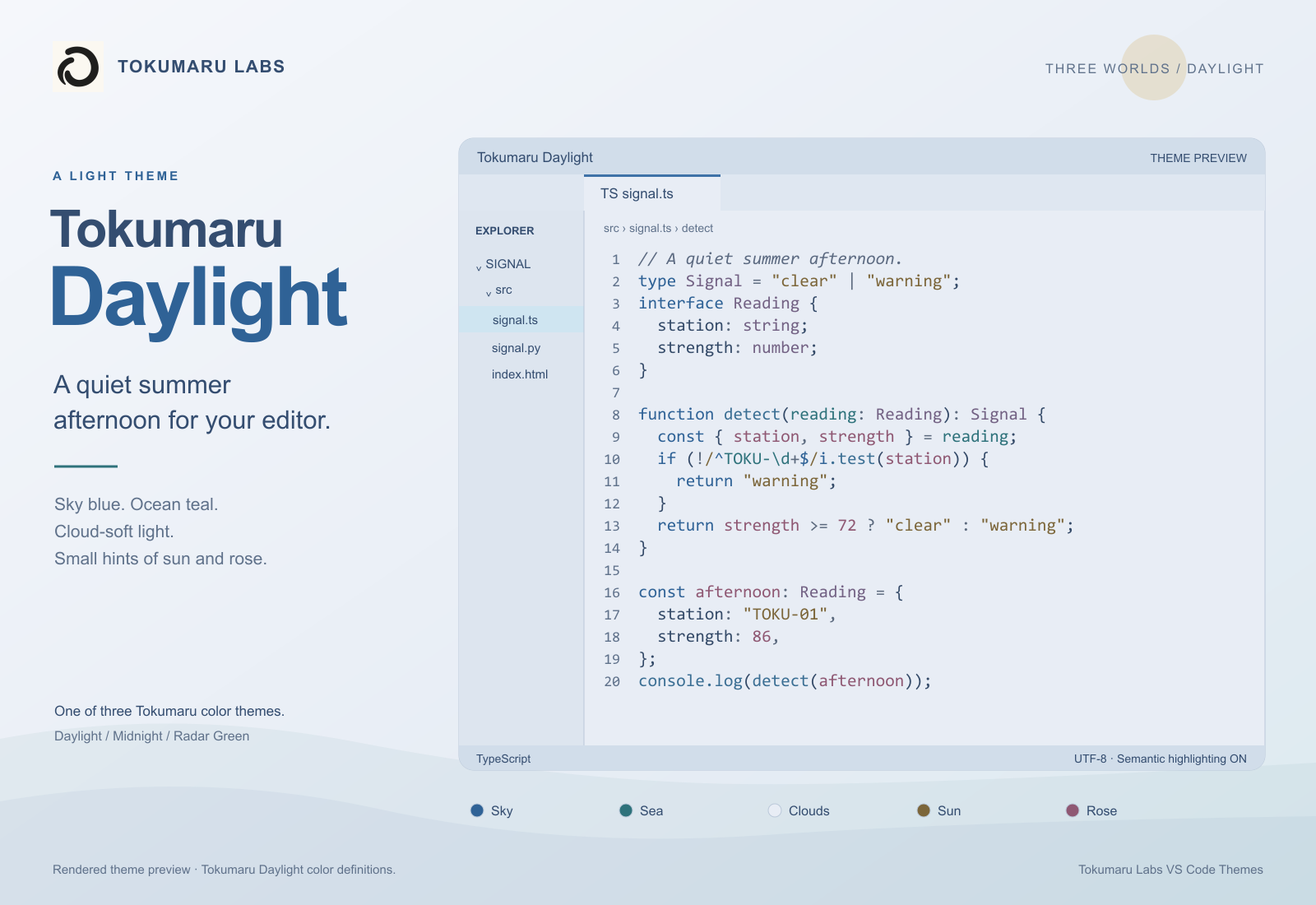
Three worlds, one extension
A summer afternoon in Daylight, Citypop midnight neon, and a quiet phosphor-green terminal. Switch between all three from one extension.
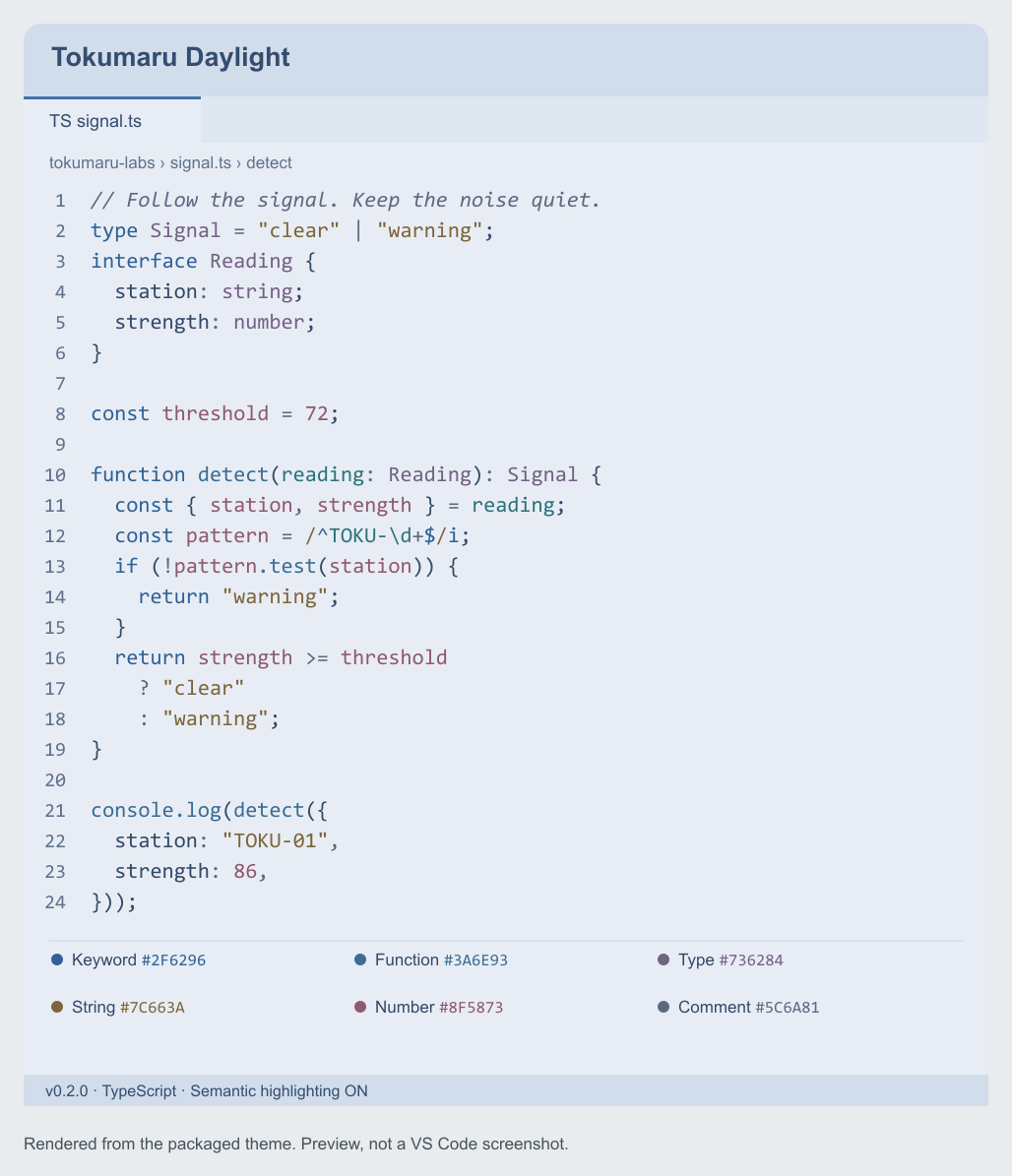
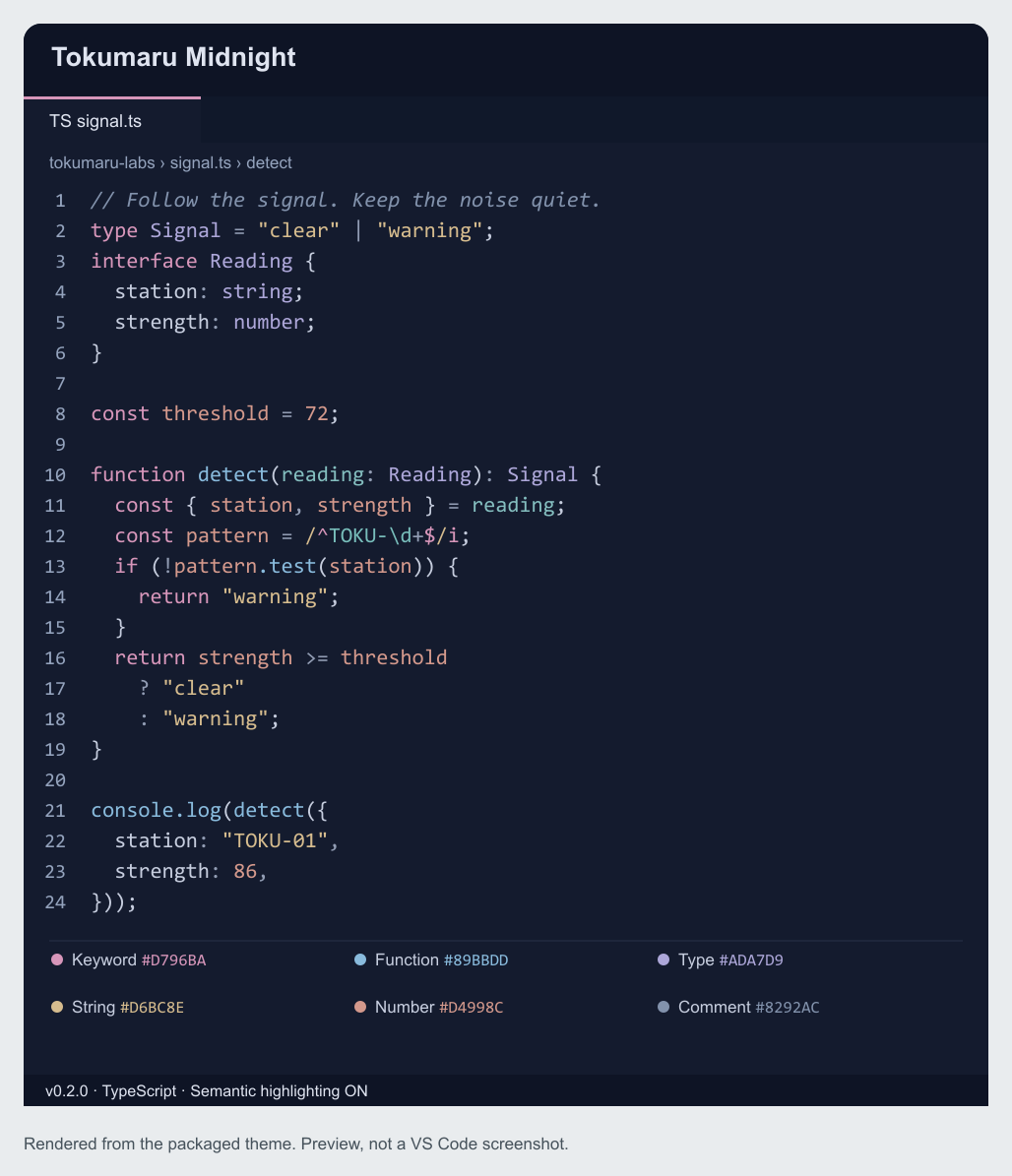
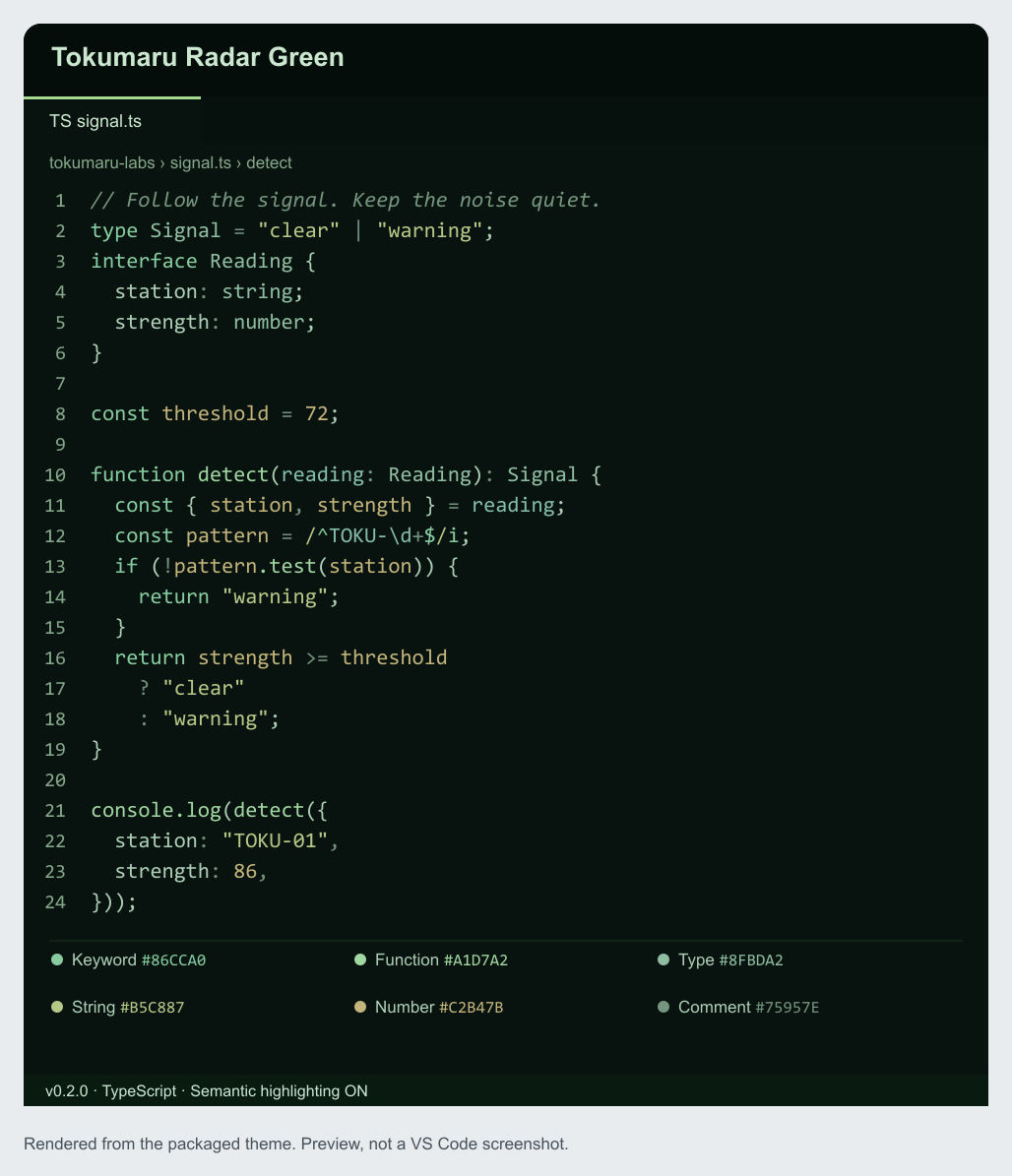
Install
- Select Install on the Marketplace page, or search for Tokumaru Labs VS Code Themes in VS Code's Extensions view.
- Open Preferences: Color Theme:
Ctrl+K Ctrl+Ton Windows/Linux, orCmd+K Cmd+Ton Mac. - Choose Tokumaru Daylight. Midnight and Radar Green are available in the same menu.
You can also install from the command line: code --install-extension tokumarulabs.tokumaru-vscode-themes
For a manual installation, download the VSIX above and select it from Extensions → ... → Install from VSIX... in VS Code. Direct VSIX installs do not receive automatic updates by default.
Included
- Editor, tabs, sidebar, status bar, terminal and workbench colors.
- TextMate syntax and semantic highlighting. Results vary with language support and installed extensions.
- Pure color definitions: no runtime scripts, forced fonts, telemetry or network requests.
Source and support
Source and MIT license · Issues and feedback · Midnight Cockpit for Chrome